One list for the whole household
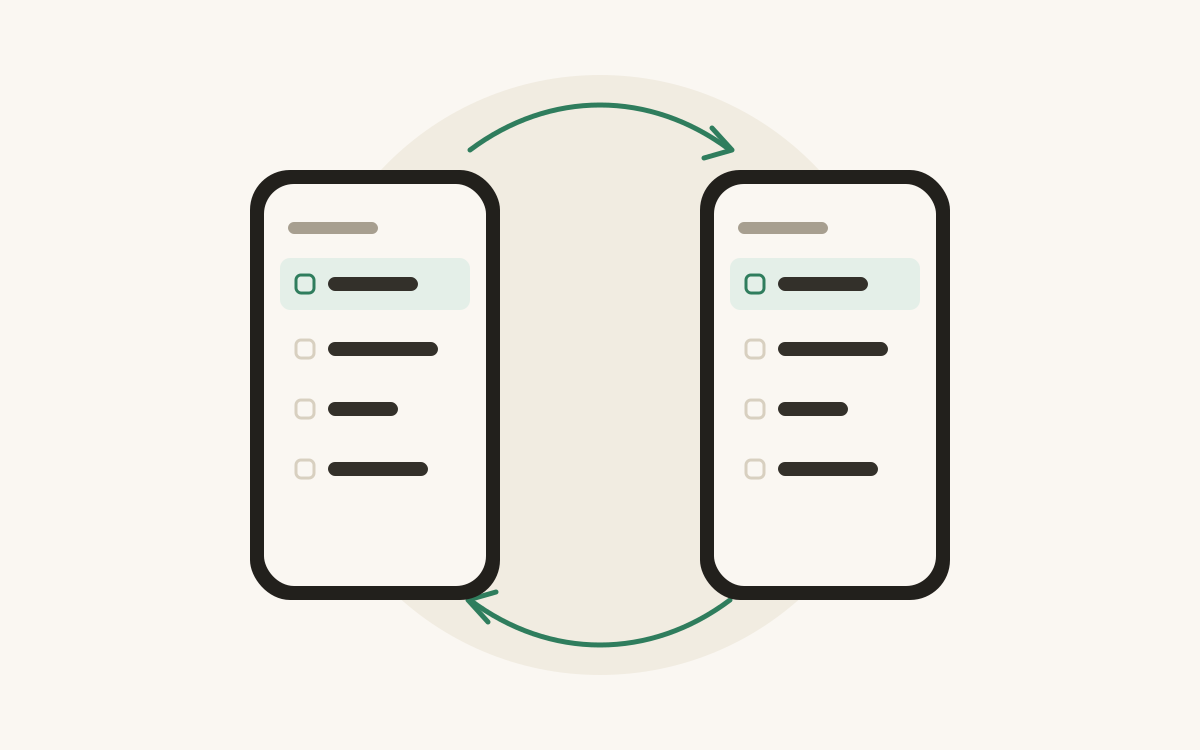
Stop texting each other “do we need milk?” Share a Food Manager list with a one-time code and everyone shops from the same list.
Free on Android
Add an item and Food Manager puts it in the right category, right on your phone. Calm, quick and made for one hand in a busy shop.
Free, with no ads. You only need an account to share a list or link Alexa.
Type “halloumi” and it lands in Dairy before you’ve put your phone down. The model runs on your phone, so your list never leaves it to be sorted.
Make the categories you actually use, from Party supplies to the corner shop. Move an item once and Food Manager remembers it next time.
Tap an item to strike it through when it’s in the trolley. Swipe to delete, with an undo if your thumb slips.
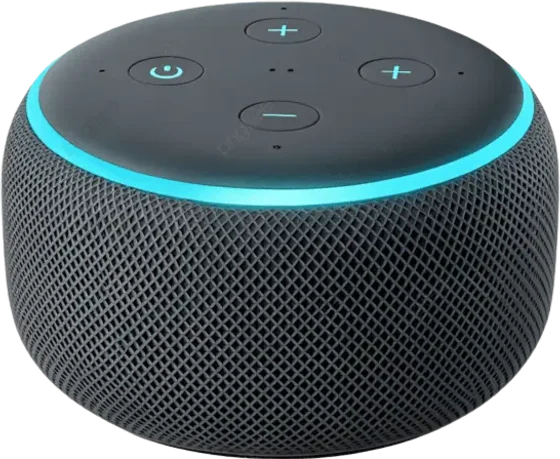
Link Alexa and say “Alexa, ask Food Manager to add eggs.” It’s on your list the next time you look.
Your list lives on your phone and works fully offline. No ads, and no account unless you share a list or link Alexa.
One for the big shop, one for the corner shop, one for the party. Each is sorted into your categories the same way.
Stop texting each other “do we need milk?” Share a Food Manager list with a one-time code and everyone shops from the same list.
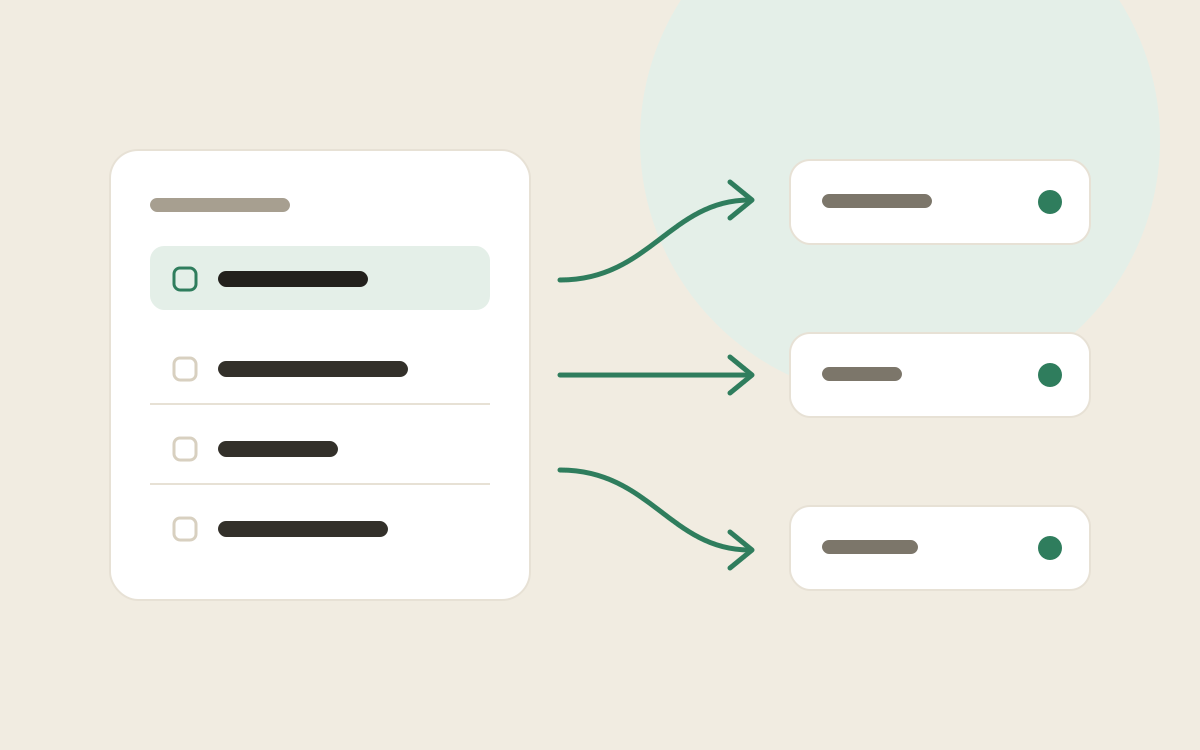
Every item you add is put into one of your own categories by a small AI model that runs on your phone. Here is how that works, and why it stays there.
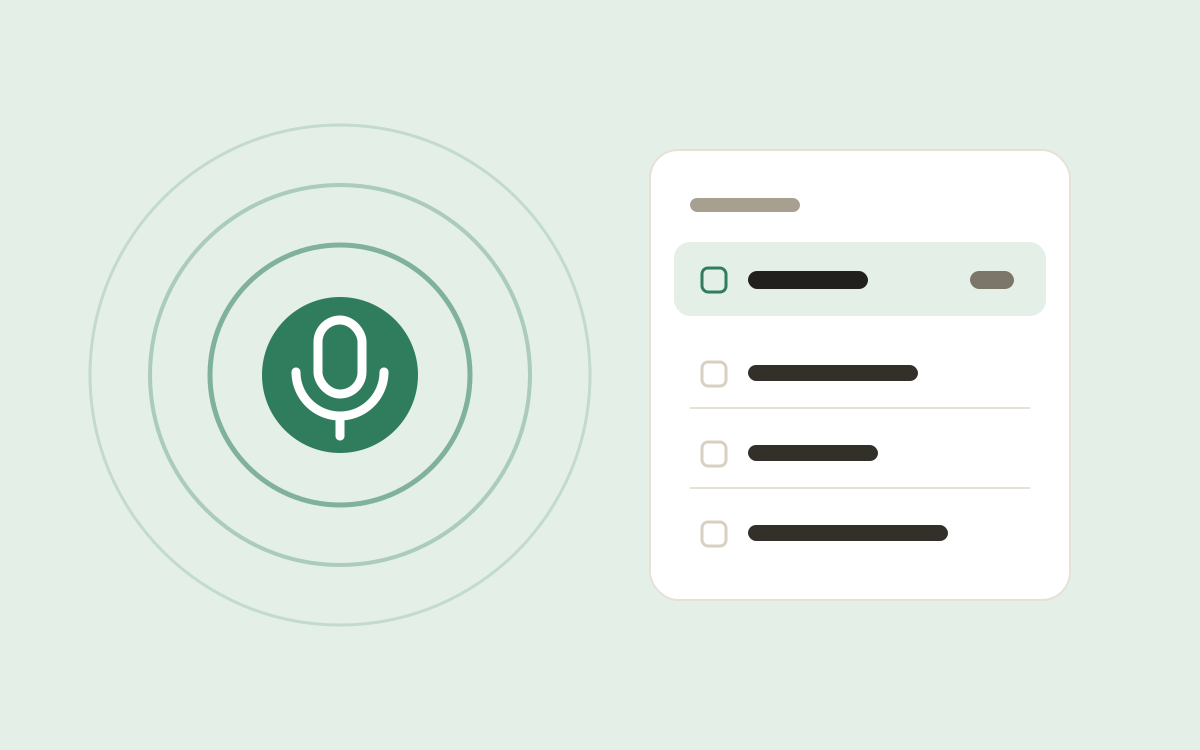
Link Food Manager to Alexa and add items by voice while your hands are full. Here is how to set it up in a couple of minutes.

Free on Android. No ads, and no account needed.